Free shareware vs your own full-game data
| Route / version | Data needed | Access / cost boundary | Our check |
|---|---|---|---|
| Shareware / spawn.mpq | Hosted shareware package | Free demo route; browser downloads assets | Warrior town, mouse movement and tab-reopen save recovery checked |
| Original full game | Your own DIABDAT.MPQ | Requires legitimate original-game data; purchase terms belong to its seller | Not tested |
| Other classes / later content | Depends on selected data and project | Do not infer full-game access from a demo menu | Not tested |
The free route and the owned-data route use different packages. No optimizer purchase supplies either package.
The checked menu identified Diabloweb v1.0.39. That is the browser-project label, not a claim about the release version of every Diablo installation.
 Diablo artwork unavailable. The guide and source link remain available.
Start the free shareware route
- Open the creator-hosted Diabloweb entry and choose Play Shareware. Wait for the engine and spawn.mpq to load; no fixed loading time is promised.
- Dismiss the opening screen. Select Single Player → New Hero → Warrior, enter a new name, and confirm. Our new test character was WikiV1; we left the pre-existing character alone.
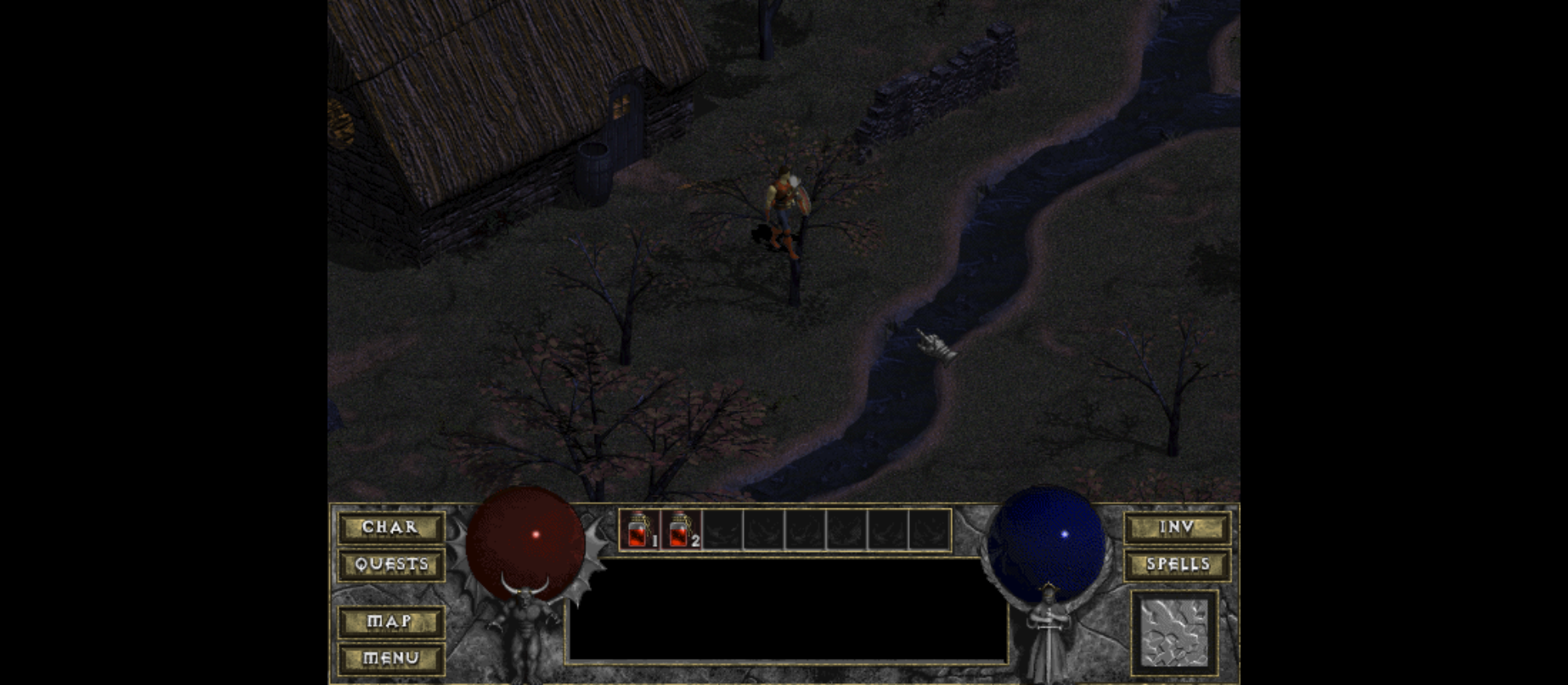
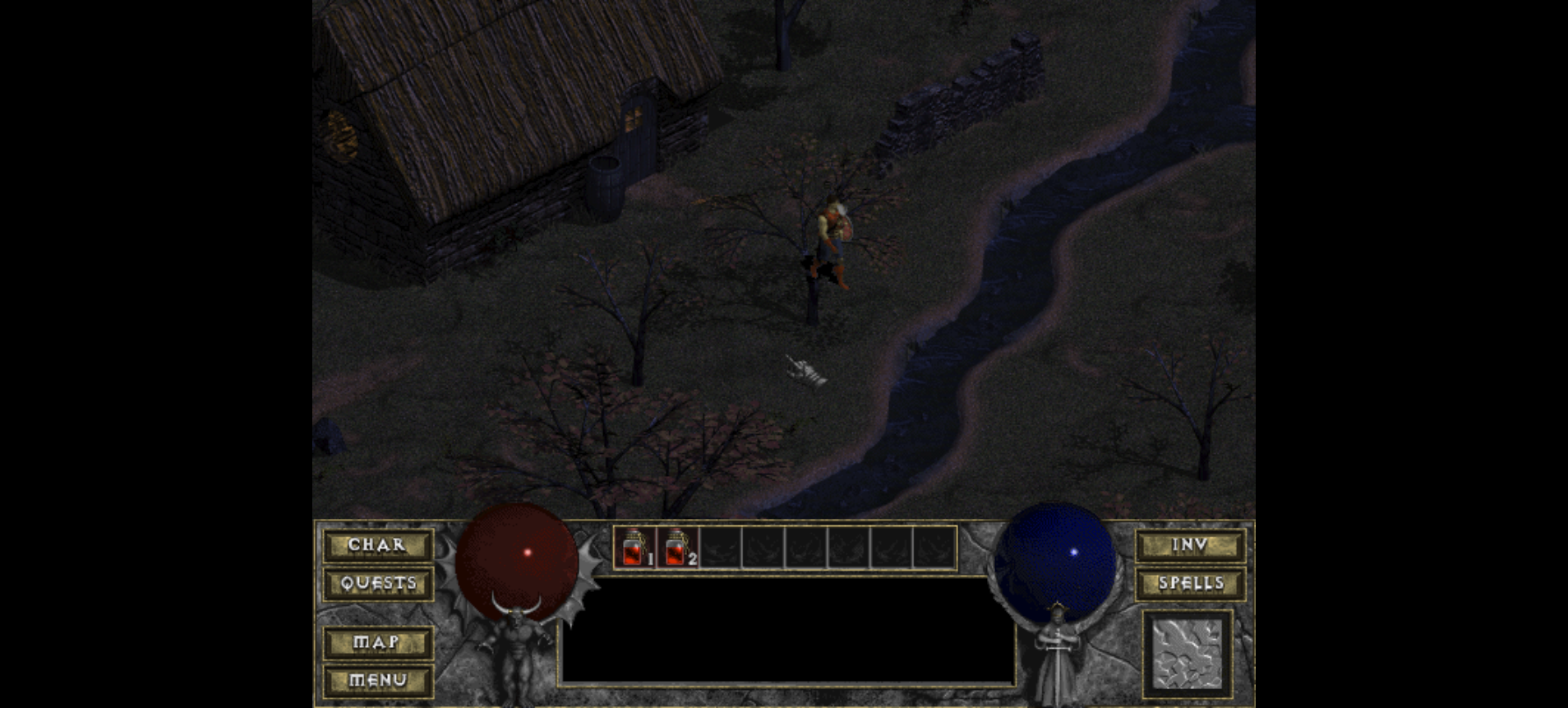
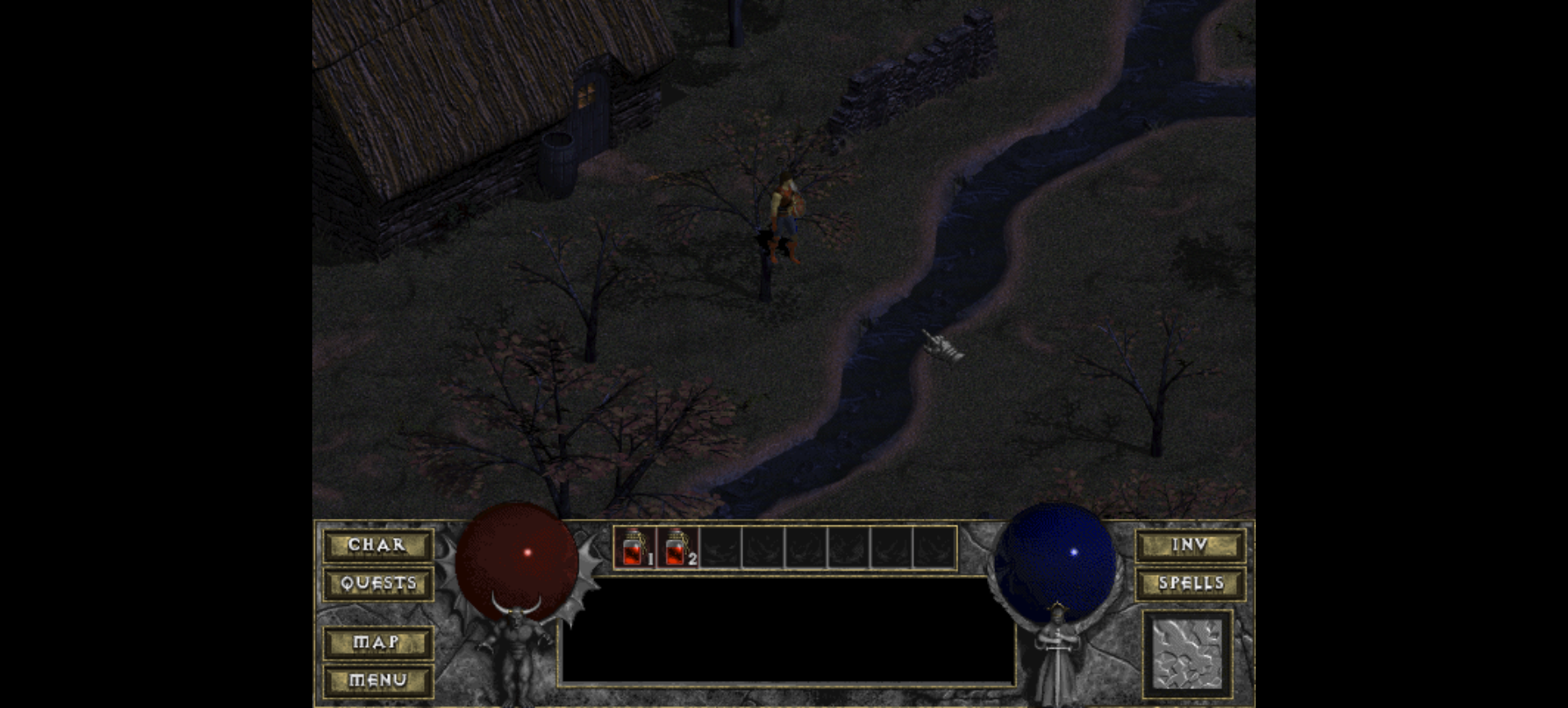
- When town appears, click a destination and observe the character moving. The visible movement, rather than a loading screen or cover image, is the limited input check.
- For saving, press Esc and choose Save Game. In our test we closed the tab, reopened Play Shareware, selected the same Warrior, chose Load Game and returned to the saved town location. This does not verify other devices or data packages.
Controls and saving: what we checked
| Action | Expected response | Actual result |
|---|---|---|
| Click a town destination | Character moves toward it | Passed: character position changed |
| Esc | Open the in-game menu | Passed: Save Game and Load Game menu observed |
| Other bindings / combat | Project-dependent | Not tested |
Passed for the new shareware Warrior in this browser profile: Save Game was selected; after tab closure and reopening, the same hero offered Load Game and returned to the saved town location. We did not restart the entire browser or test another profile.
The start page also displayed Manage Saves and Upload Save. Export and import were not exercised. Preserve an existing character before experimenting; do not clear the host’s browser storage as a first loading fix.
Our dated check results
A scene, a working input and a restored save are separate results. The newest check appears first; the older record remains below. No FPS, startup-time or long-session guarantee is inferred.
Current recheck — launch, input and save recovery
Recorded 2026-10-10; exact time not recorded · os: macOS 26.4.1 · browser: Chrome 152.0.0.0 (Ego Lite) · device: Desktop; keyboard and mouse
Route: spawn.mpq shareware / Warrior town · Data: spawn.mpq
| Capability | Observed result |
|---|---|
| Scene | Passed |
| Input | Passed |
| Combat | Not tested |
| Save / reopen / restore | Passed |
| Multiplayer | Not tested |
| Mobile gameplay | Not tested |
Passed for the new shareware Warrior in this browser profile: Save Game was selected; after tab closure and reopening, the same hero offered Load Game and returned to the saved town location. We did not restart the entire browser or test another profile.
The start page also displayed Manage Saves and Upload Save. Export and import were not exercised. Preserve an existing character before experimenting; do not clear the host’s browser storage as a first loading fix.
Passed: character position changed
- Full commercial campaign, combat, multiplayer and mobile gameplay: Not tested.
- No FPS, startup-time, audio or long-session stability benchmark was performed.
- Save export/import: Not tested; a restored browser save is not a transferable-backup test.
- Recovery covered a closed/reopened tab in the same browser profile, not a full browser restart.
- Exact end time was not recorded for this session; the dated raw action screenshots are retained.
Earlier recorded check — launch and movement
Recorded 2026-10-10; exact time not recorded · os: Not recorded · browser: Not recorded · device: Desktop
Route: spawn.mpq shareware / Warrior town · Data: spawn.mpq
| Capability | Observed result |
|---|---|
| Scene | Passed |
| Input | Passed |
| Combat | Not tested |
| Save / reopen / restore | Not tested |
| Multiplayer | Not tested |
| Mobile gameplay | Not tested |
Diabloweb loaded spawn.mpq shareware, created a Warrior, and entered the town; mouse clicks moved the character in our desktop check. Full-game data, combat, multiplayer, and mobile play were not tested.
- Exact time and OS were not retained in this earlier record.
- Saving and remaining capabilities were not checked in this earlier session.
When this route does not work
The package is still loading
Compare the displayed transfer state before treating the page as frozen. A shareware browser route still downloads game data. Check a stalled download.
You are asked for DIABDAT.MPQ
That is the owned full-game route. Choose Play Shareware for the limited route checked here; this website does not receive your archive. Separate demo and owned-data requirements.
Town appears but the hero will not move
Focus the game scene and try a nearby destination. We checked mouse movement only; combat or touch bindings need their own evidence. Check input focus.
Sources and project lineage
The creator README identifies a devilution-derived WebAssembly project and distinguishes hosted spawn.mpq shareware from owned DIABDAT.MPQ full-game content. Our observed menu and gameplay are evidence for the named hosted route only.
Diablo browser FAQ
Does this route include the complete Diablo game?
No. This check used spawn.mpq shareware / Warrior town. Full Diablo needs your own DIABDAT.MPQ.
What did the current desktop check establish?
A new Warrior reached town, responded to mouse movement commands and loaded its saved town location after the tab was closed and reopened.
Will my browser save survive every reset?
We verified one save/load cycle after closing and reopening a tab in the same browser profile. Browser restart, another profile, storage deletion and save export/import were not tested; recovery is not guaranteed.
Are combat, multiplayer and mobile gameplay checked?
No. Those capabilities remain Not tested for this route. A rendered desktop scene and movement do not establish them.